
Devices

Compatible Devices

Which devices work with a FreeGoTV subscription, why the player matters as much as the hardware, and the specific cases where a device will not do the job.

Three separate things have to line up

People often ask whether a subscription "works on" a particular television. The honest answer needs the question broken into three parts, because confusing them is the single most common reason a setup fails.

  1. The subscription. This is what you buy from us: access, and a set of credentials. It is not tied to any particular brand of hardware and it does not care what you watch on.
  2. The player application. A separate piece of software that takes your credentials and turns them into a channel list you can navigate. It is made by someone else, you install it yourself, and on some platforms it is a paid app.
  3. The device. The hardware the player runs on. Its only job is to be able to install a suitable player and decode the video. This is where compatibility is actually won or lost.

We do not publish an app of our own, so we will not tell you that "the FreeGoTV app" solves this. When your order is confirmed we tell you which player suits your device and send credentials in the format that player expects.

By device type

What to expect on each kind of device

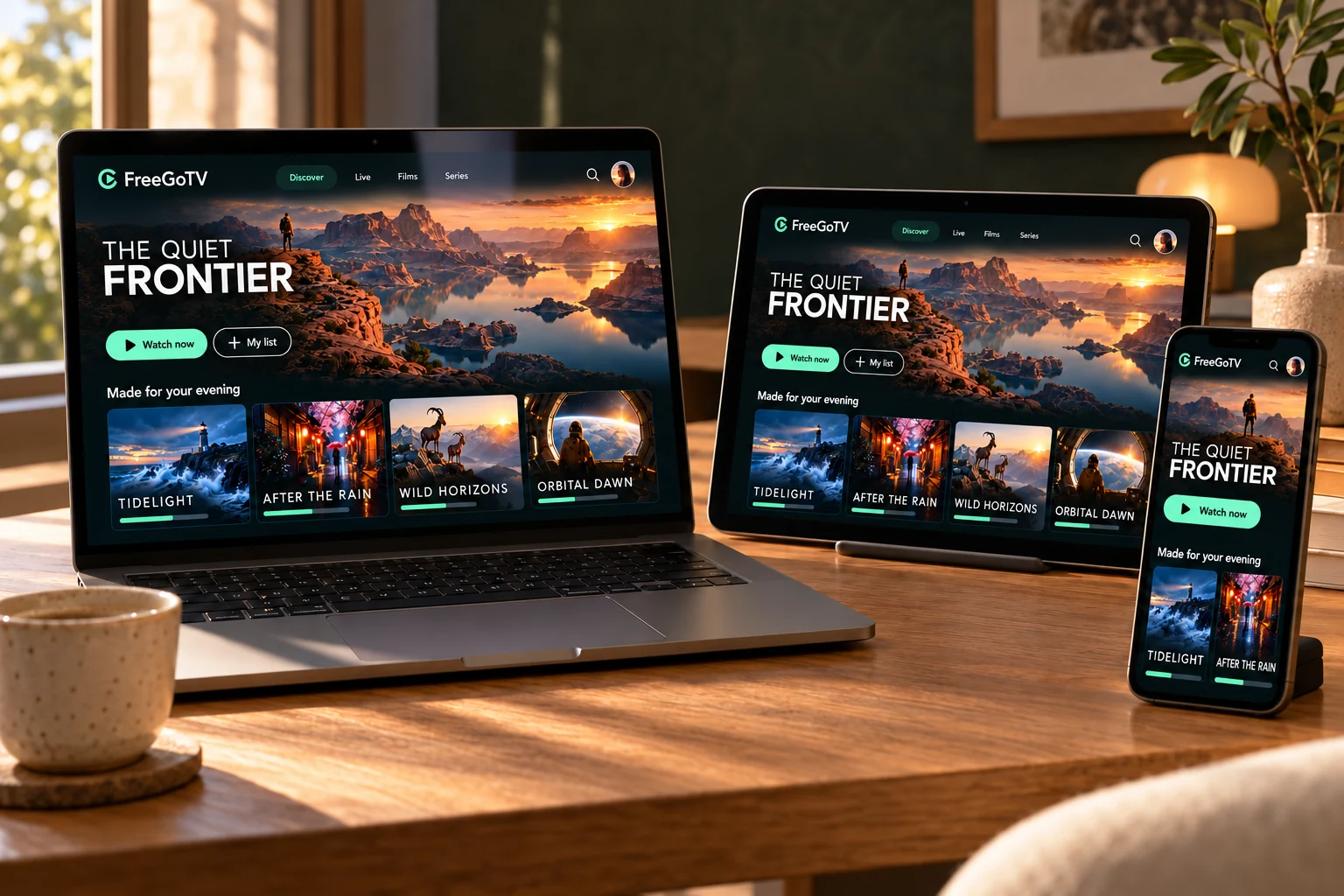
The FreeGoTV interface displayed on a laptop, tablet and phone.

Smart TVs

Samsung, LG and other smart TVs can run an IPTV player from their own app store. What is available depends heavily on the model year and the country the set is registered in.

Older sets often cannot install a suitable player at all. A streaming stick is usually the cheaper fix.

Amazon Fire TV & Fire TV Stick

Fire TV devices are a common choice because they are inexpensive and plug into any HDMI port. Which players you can install depends on whether your device runs Fire OS or the newer Vega OS.

This difference matters before you buy a new stick. The guide explains how to tell them apart.

Android TV & Google TV

Android TV and Google TV devices — boxes, sticks and many built-in TV platforms — install players from the Google Play Store on the device itself.

Generally the most straightforward platform for this kind of service.

Apple TV

Apple TV installs players from the tvOS App Store. Apple does not permit ordinary sideloading, so your choice is limited to what Apple has approved — which is usually enough.

Some tvOS players are a paid one-off purchase separate from your subscription.

Android phones & tablets

Install a player from the Google Play Store and sign in with the same details you use on your television. Useful for watching away from home or for testing a new subscription quickly.

Remember that a second device playing at the same time uses a second connection.

iPhone & iPad

iOS and iPadOS players come from the App Store. They accept the same credentials as every other device, and many can send video to a television over AirPlay.

AirPlay quality depends on your local network rather than on the subscription.

Windows & Mac computers

Desktop players, and media players that accept a playlist URL, work on Windows and macOS. This is often the quickest way to confirm a subscription is working before you set up a television.

A laptop connected by HDMI also works as a temporary setup.

Know before you buy

When a device will not work

Newer Fire TV sticks running Vega OS

Amazon has moved its newer streaming sticks from the Android-based Fire OS to its own Vega OS, which does not run Android apps and does not permit installing apps from outside its store. If you are buying a Fire TV device specifically for this, check which operating system that exact model uses on Amazon's product page first.

Older smart TVs

Manufacturers stop supporting older sets. A television from several years ago may show an app store with nothing suitable in it, or may refuse to update an app you already have. Nothing you do on the television changes that. An inexpensive streaming stick plugged into a spare HDMI port is the practical answer.

Televisions with no internet connection

A television that is not connected to your network cannot stream anything, smart or not. If it has no Wi-Fi and no Ethernet port, you need an external device regardless of its age.

Set-top boxes we have not confirmed

There are many niche IPTV boxes. Rather than list devices we have not tested, ask us about yours. We would rather say "we have not confirmed that one" than let you assume something that turns out not to hold.

Ready to explore FreeGoTV?

Browse the available subscription options, or contact our team for help choosing a plan and setting up your device.

Chat on WhatsApp (opens WhatsApp in a new tab)