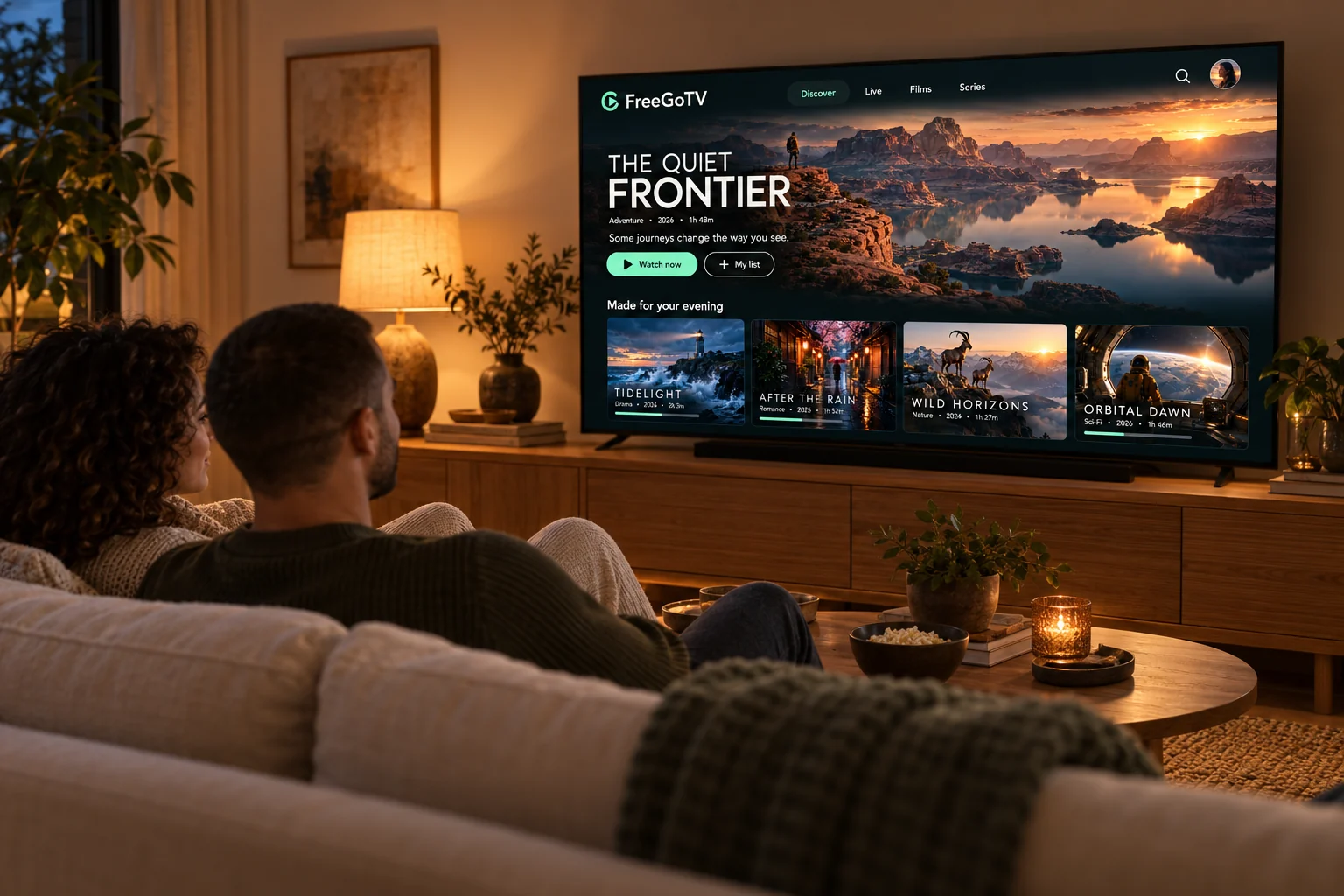
Explore FreeGoTV plans for your viewing setup. Choose 1, 2 or 3 simultaneous connections, compare subscription lengths, and find device setup guidance and support.
Television over your internet connection, on the screens you already have
IPTV means internet protocol television: programmes reach you over your broadband line instead of through an aerial, a satellite dish or a cable. The picture arrives the same way a video call or a streaming film does, which is why it works anywhere you have a decent connection and does not need an engineer or a new socket in the wall.
A FreeGoTV subscription is the access, not the hardware. When your order is confirmed we send you a set of credentials. You put those into a compatible IPTV player — an app you install on your television, streaming stick, phone or computer — and the player uses them to load your channel list, your on-demand library and your programme guide.
That separation between the subscription and the player is worth understanding before you buy, because it is what determines whether a particular device will work. Nearly every modern device can run a suitable player; a handful of older smart TVs cannot. Our device pages are specific about which is which.
Opens a WhatsApp message with this plan already filled in. Nothing is charged until we confirm your order with you.
One connection plays on one device at a time. Installing the player on more devices than that is a separate question from how many can play at once — ask us to confirm what your plan allows before you rely on it.
Nothing renews automatically and no card is stored. A subscription ends when the period you paid for ends, unless you contact us to arrange another one.
Savings are the difference between a longer plan and buying the one-month plan repeatedly at the same connection count. They are not a reduction from a previous price.
Why FreeGoTV
What you actually get
No uptime percentages and no customer counts — just the things about this subscription that make a practical difference to the person paying for it.
Works with hardware you already own
FreeGoTV is a subscription, not a box. It runs through a compatible IPTV player on a smart TV, streaming stick, phone, tablet or computer, so for most households there is nothing extra to buy.
Setup you can follow without help
Every supported device has a written guide with the settings path, the exact fields to fill in and the problems that come up most often. If a step still does not work, you can send us a message.
Choose how long you commit for
Durations run from one month to a full year. The price shown is the total for the whole period, paid once, so you can start short and move to a longer plan later if the service suits you.
Pick the number of simultaneous streams
One connection plays on one device at a time. Choose two or three if people in your home watch different things at once. The count applies to every duration we offer.
A real person to ask
Questions about plans, setup, renewals or playback go to the team on WhatsApp or by phone. We would rather answer a question before you buy than leave you guessing.
Honest about what it needs
Streaming quality depends on your connection, your hardware and the source. We tell you what a good result needs rather than promising that every stream will be flawless.
Channels & content
What you can watch
The categories a subscription covers. We do not publish a channel list or a catalogue count, so if a particular channel is the reason you are here, ask us about it before you order.
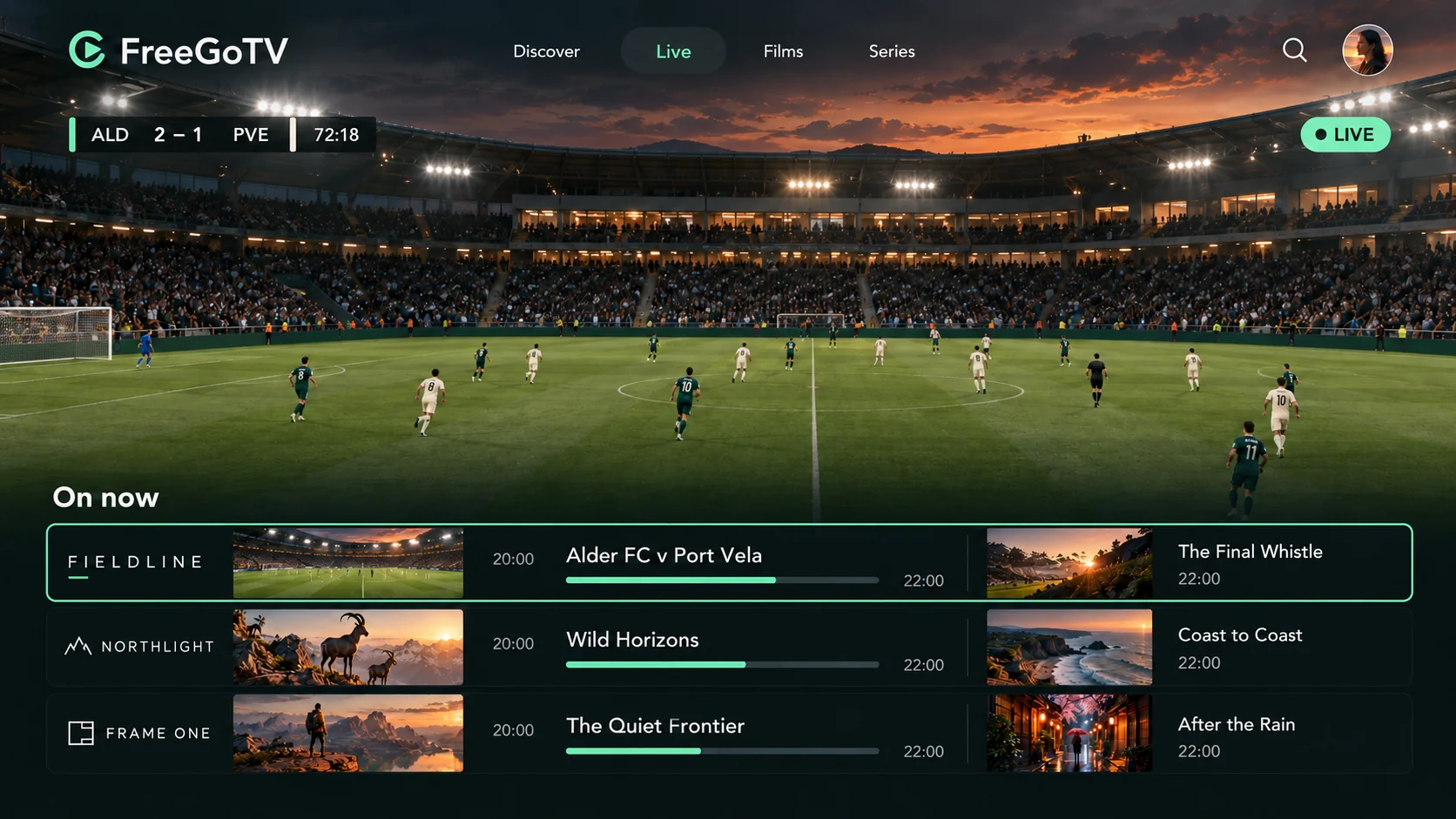
An illustration of the programme guide layout. The titles, channels and teams shown are original creations made for this artwork, not a list of what is available.
Live television
Scheduled channels that play in real time, the way broadcast television works, with a programme guide showing what is on now and next.
Films
On-demand titles you start whenever you like, with pause, resume and the usual playback controls your player provides.
Series
Episodic content organised by series and season, so you can pick up where you stopped rather than hunting through a flat list.
Sport
Live sport channels where they are part of your subscription. Availability of any particular event depends on the rights that apply to it.
News
Rolling and scheduled news channels, including international news where it is included in your package.
Documentaries
Factual programming across history, nature, science and current affairs, available live or on demand depending on the channel.
Entertainment
General entertainment channels covering drama, comedy, lifestyle and reality programming.
International programming
Channels in other languages and from other regions, which is often the reason households look at an internet television service in the first place.
FreeGoTV runs through a compatible IPTV player rather than an app of our own. That means almost any modern device works — and it means the device page matters, because a few do not.
Smart TVs
Samsung, LG and other smart TVs can run an IPTV player from their own app store. What is available depends heavily on the model year and the country the set is registered in.
Older sets often cannot install a suitable player at all. A streaming stick is usually the cheaper fix.
Fire TV devices are a common choice because they are inexpensive and plug into any HDMI port. Which players you can install depends on whether your device runs Fire OS or the newer Vega OS.
This difference matters before you buy a new stick. The guide explains how to tell them apart.
Apple TV installs players from the tvOS App Store. Apple does not permit ordinary sideloading, so your choice is limited to what Apple has approved — which is usually enough.
Some tvOS players are a paid one-off purchase separate from your subscription.
Install a player from the Google Play Store and sign in with the same details you use on your television. Useful for watching away from home or for testing a new subscription quickly.
Remember that a second device playing at the same time uses a second connection.
iOS and iPadOS players come from the App Store. They accept the same credentials as every other device, and many can send video to a television over AirPlay.
AirPlay quality depends on your local network rather than on the subscription.
Desktop players, and media players that accept a playlist URL, work on Windows and macOS. This is often the quickest way to confirm a subscription is working before you set up a television.
A laptop connected by HDMI also works as a temporary setup.
Five steps, described as they actually happen. We do not publish an activation time, because the honest answer depends on when your order reaches us.
1
Choose your plan
Decide how many devices need to play at the same time, then pick a duration. The price you see is the total for that whole period.
2
Contact the team to order
Every plan button opens a WhatsApp message with your selection already filled in. We confirm the plan and the amount with you before anything is set up.
3
Receive your setup details
Once your order is confirmed we send the credentials your player needs, along with the guide for the device you are using.
4
Set up your device
Install a compatible player, enter the details we sent, and let the channel list and programme guide load for the first time.
5
Start watching
Open a channel to check playback. If anything looks wrong at this point, tell us what you see — that first check is the easiest time to fix it.
No service can promise uninterrupted playback, and you should be wary of any that does. Five things decide what you see, and only one of them is the subscription.
Connection speed
As a general guide, allow roughly 10 Mbps for a comfortable HD stream and around 25 Mbps for 4K, per simultaneous stream. A two-connection plan feeding two 4K streams wants headroom above that.
Connection stability
Stability matters more than headline speed. A fast line that drops packets will stutter where a slower, steady one will not. Wired Ethernet beats Wi-Fi whenever it is practical.
Device capability
A 4K stream needs a device and a television that can decode and display it. Older sticks and older sets will fall back to a lower resolution, which is normal and not a fault in the subscription.
The player you use
Players differ in how they buffer and which codecs they handle. If one player stutters on a channel, another on the same device will sometimes play it cleanly.
The source itself
Not every channel is produced or delivered at the same resolution. A channel broadcast in HD will not become 4K because your television can display it.
Most questions we get are quick to answer and much easier to resolve before an order than after one.
Choosing a subscription
Not sure whether you need one, two or three simultaneous connections, or which duration makes sense? Describe how your household watches and we will tell you what fits.
Device setup
Help installing a compatible player and entering your details correctly, including devices where the usual route does not work.
Account and activation
Questions about your credentials, when a subscription starts and ends, and what happens when you want to continue.
Playback troubleshooting
Buffering, a channel that will not open, a guide that is empty, or picture quality that is worse than you expected.
Payment questions
Anything about what you were charged, how to pay, or confirming an order before it is set up.
FAQ
Frequently asked questions
The questions we are asked most often, answered against how this service actually works.
What is FreeGoTV?
FreeGoTV is an IPTV subscription: television and on-demand content delivered over your internet connection instead of through an aerial, a satellite dish or a cable line.
You keep your existing internet service and your existing screens. The subscription supplies the content and the credentials; a compatible player app on your device does the watching.
How does an IPTV subscription work?
After your order is confirmed we send you a set of credentials. You enter those into a compatible IPTV player on your device, and the player uses them to load your channel list, your on-demand library and your programme guide.
From then on the player behaves like any other streaming app. The subscription runs for the period you paid for.
Which devices can I use?
Smart TVs, Amazon Fire TV devices, Android TV and Google TV, Apple TV, Android phones and tablets, iPhone and iPad, and Windows and Mac computers — provided a compatible IPTV player can be installed on them.
The constraint is almost never the subscription; it is whether that particular device can run a suitable player. Our Compatible Devices page covers the cases where it cannot.
How do I install a compatible IPTV player?
On most platforms you install it from the device's own app store, open it, and enter the credentials we sent. The exact route differs by device, which is why we publish a separate guide for Fire TV, smart TVs, Android TV and Apple TV.
If your device needs a player that is not in its store, tell us which device you have before you buy anything.
Can I use one subscription on several devices?
Playing at the same time is what the connection count controls. One connection plays on one device at a time; two connections allow two simultaneous streams; three allow three.
Installing the player on more devices than that is a separate question from how many can play at once. If you want to set it up on several screens and only ever watch on one, ask us to confirm what your plan allows before you rely on it.
What internet connection do I need?
As a rough guide, around 10 Mbps per HD stream and around 25 Mbps per 4K stream, with extra headroom if several people are watching or using the connection at once.
A steady connection matters more than a fast one. Wired Ethernet is more reliable than Wi-Fi, and a device sitting far from the router is the most common cause of stuttering we see.
How will I receive my setup instructions?
Through the same WhatsApp conversation you used to order, together with a link to the written guide for your device. We do not publish activation times, because the honest answer is that it depends on when your order reaches us.
How do I contact customer support?
WhatsApp is the fastest route and keeps your setup details in one thread. You can also call +44 7868 240819. Our Customer Support page lists what to include so we can answer in one reply instead of three.
How do I renew my subscription?
Message us before your current period ends and we will arrange the next one. Nothing renews automatically and no card is stored or charged on a schedule, so a subscription simply stops at the end of the period you paid for unless you renew it.
What should I do if my stream buffers?
Check whether it happens on one channel or all of them. One channel usually points at the source; all channels usually points at the connection or the device.
Then try a wired connection or move closer to the router, restart the player, and try a second device if you have one. If it still buffers, send us the channel name, the device and the time it happened.